


Draw
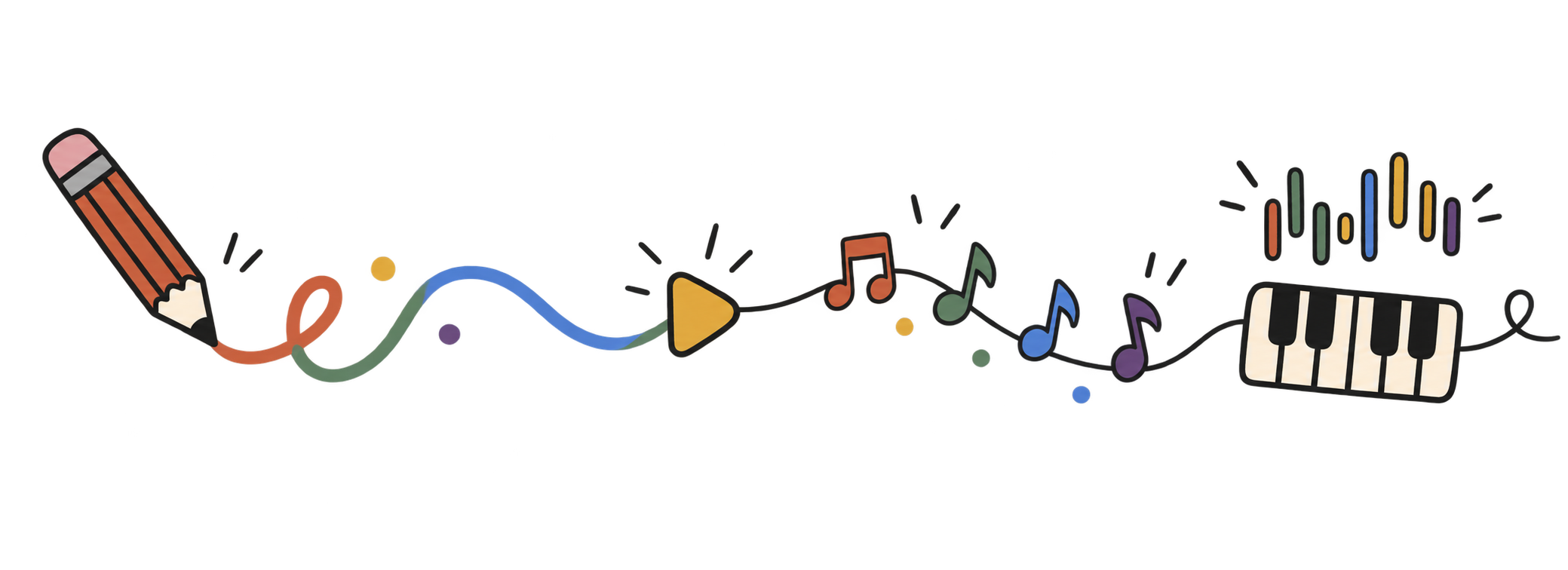
Add dots, lines, curves, or blocks. Each color gives the drawing a different voice.
Publish as a guest, or sign in to use your account.
a free visual music playground
Play Music Theory turns a blank canvas into an instrument. Draw with a mouse or finger, press play, and listen as the page reads your marks from left to right. Higher shapes become higher notes, so melody and rhythm are something you can see. Try the same drawing in a different key or scale, then share a playable link or open a community drawing in the instrument.
start drawing ↑how it works
Add dots, lines, curves, or blocks. Each color gives the drawing a different voice.
Press play to hear the canvas move through time. Change tempo or add a beat.
Try a key, scale, range, grid, swing, or program. Export WAV or MIDI when it feels right.
music theory you can see
You do not need to read sheet music to begin. The canvas makes pitch, time, rhythm, and tone visible, giving beginners and curious musicians a direct way to experiment.
frequently asked questions
Yes. The drawing tools and instrument controls are available without an access code or subscription.
No. Start by drawing and listening; use the controls when you want to explore more deliberately.
Horizontal position represents time, vertical position controls pitch, and color changes the voice.
Yes. The canvas supports touch. Your browser may require a first tap before audio starts.