
playground field notes
Draw a little. Hear what changed. Keep the useful part.
Practical guides cover first play, creative experiments, sharing, troubleshooting, and a comparison with Wiggly Music. Each workflow describes the controls on this site.
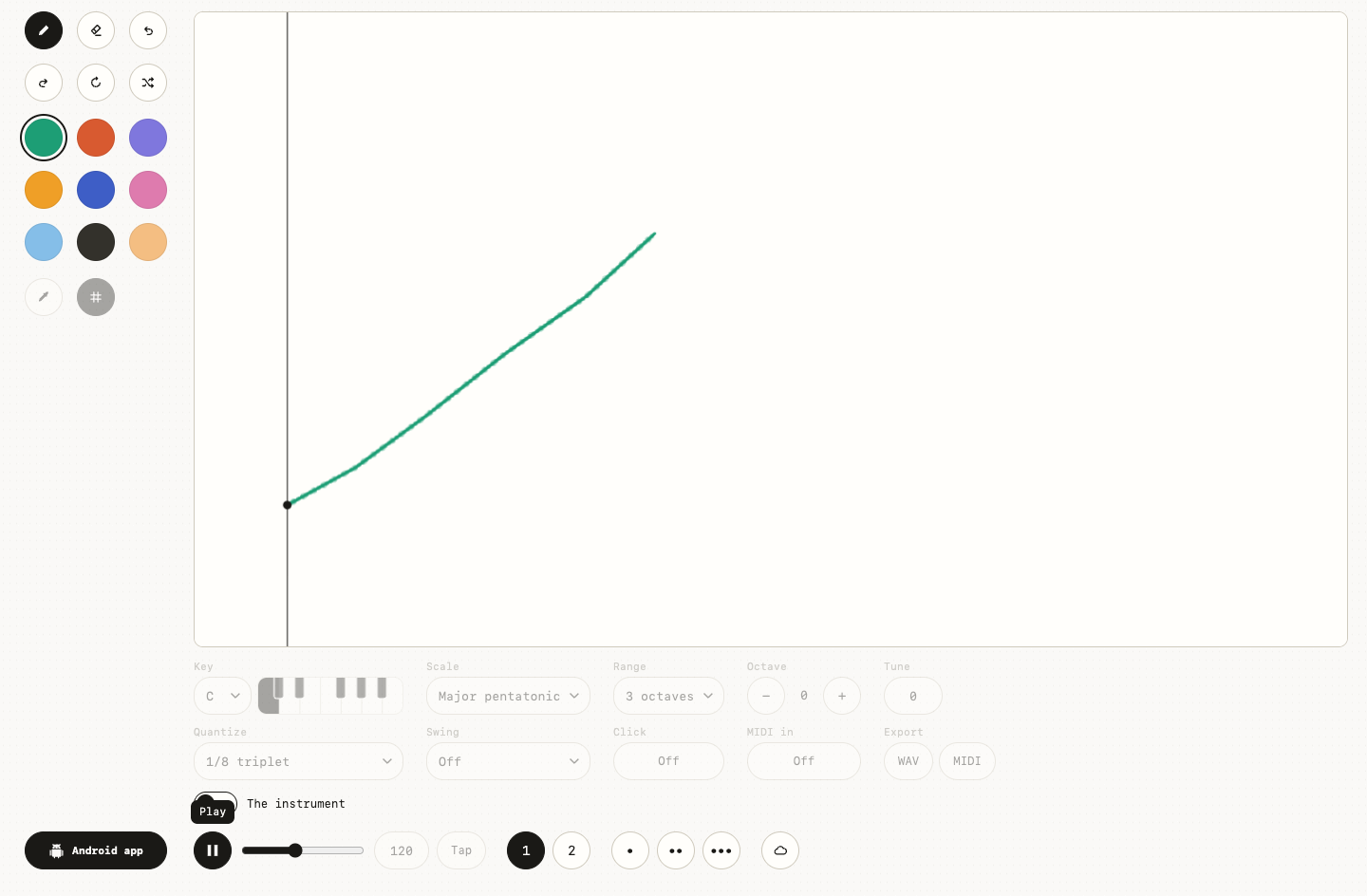
01
Draw music online: make your first sound doodle
Draw music online in a free browser instrument. Follow one tested line-to-loop example, then change pitch, timing, color, and tempo.
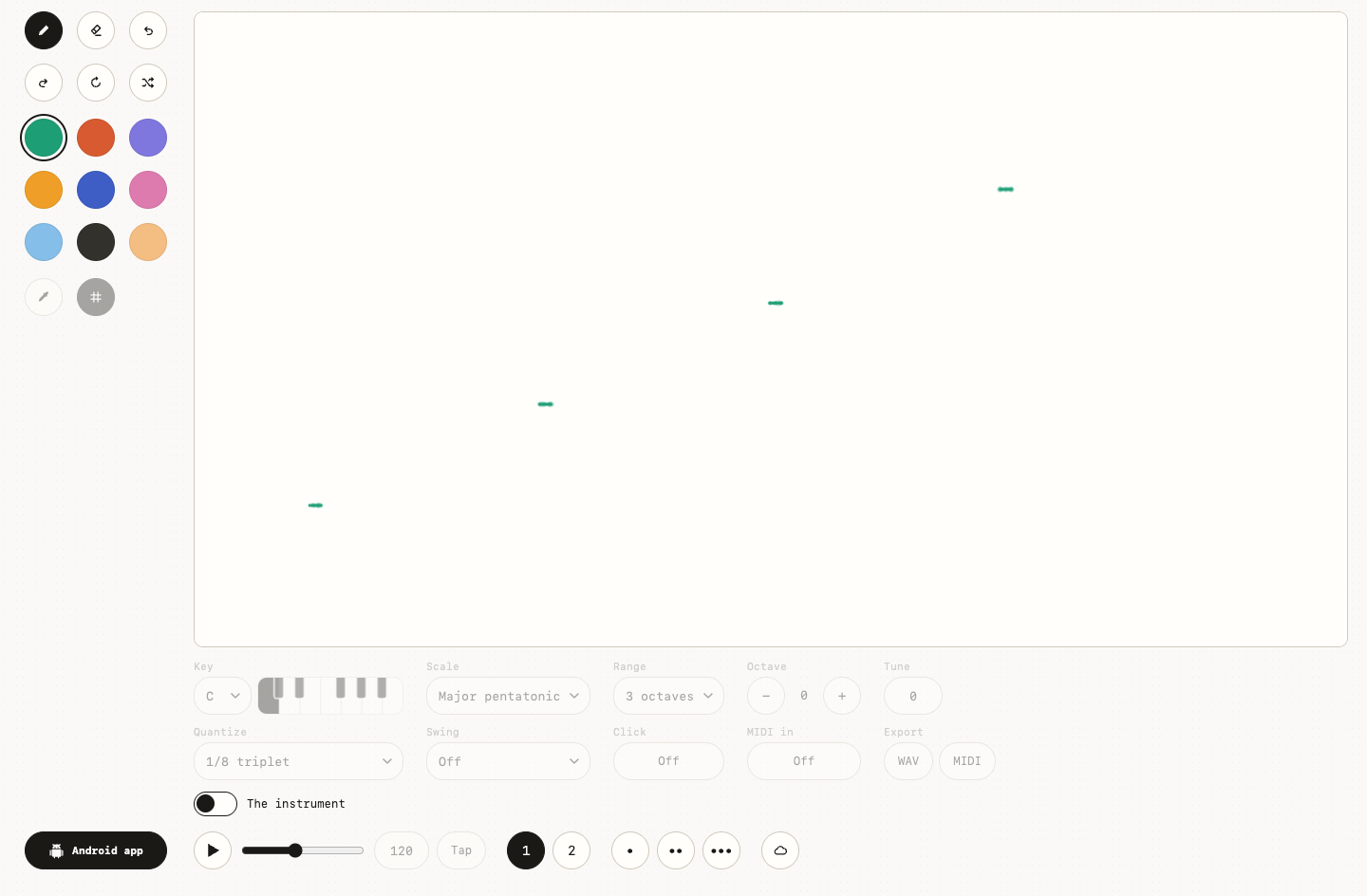
02
Drawing to sound: how shape, space, and color change a loop
See how height, horizontal position, spacing, color, and tempo turn the same drawing into different sound loops.
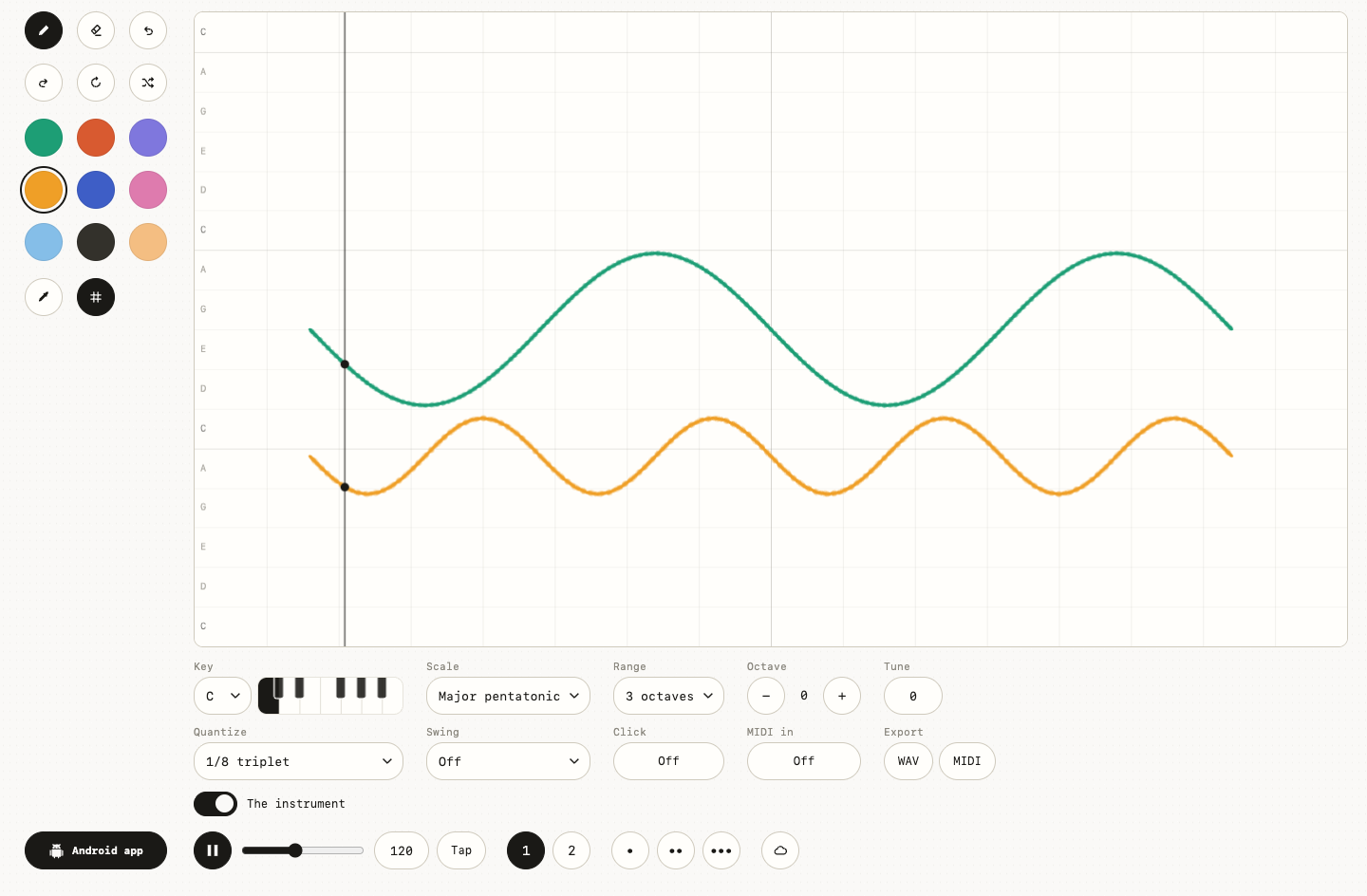
03
Music doodle game ideas: six pictures you can hear
Try six original music doodle prompts with visual examples: hills, rain, stepping stones, a constellation, a scribble, and a pulse garden.
04
Music theory for beginners: three playful sound experiments
Explore pitch, rhythm, rests, scales, and timbre through three drawing experiments—without turning play into a theory course.
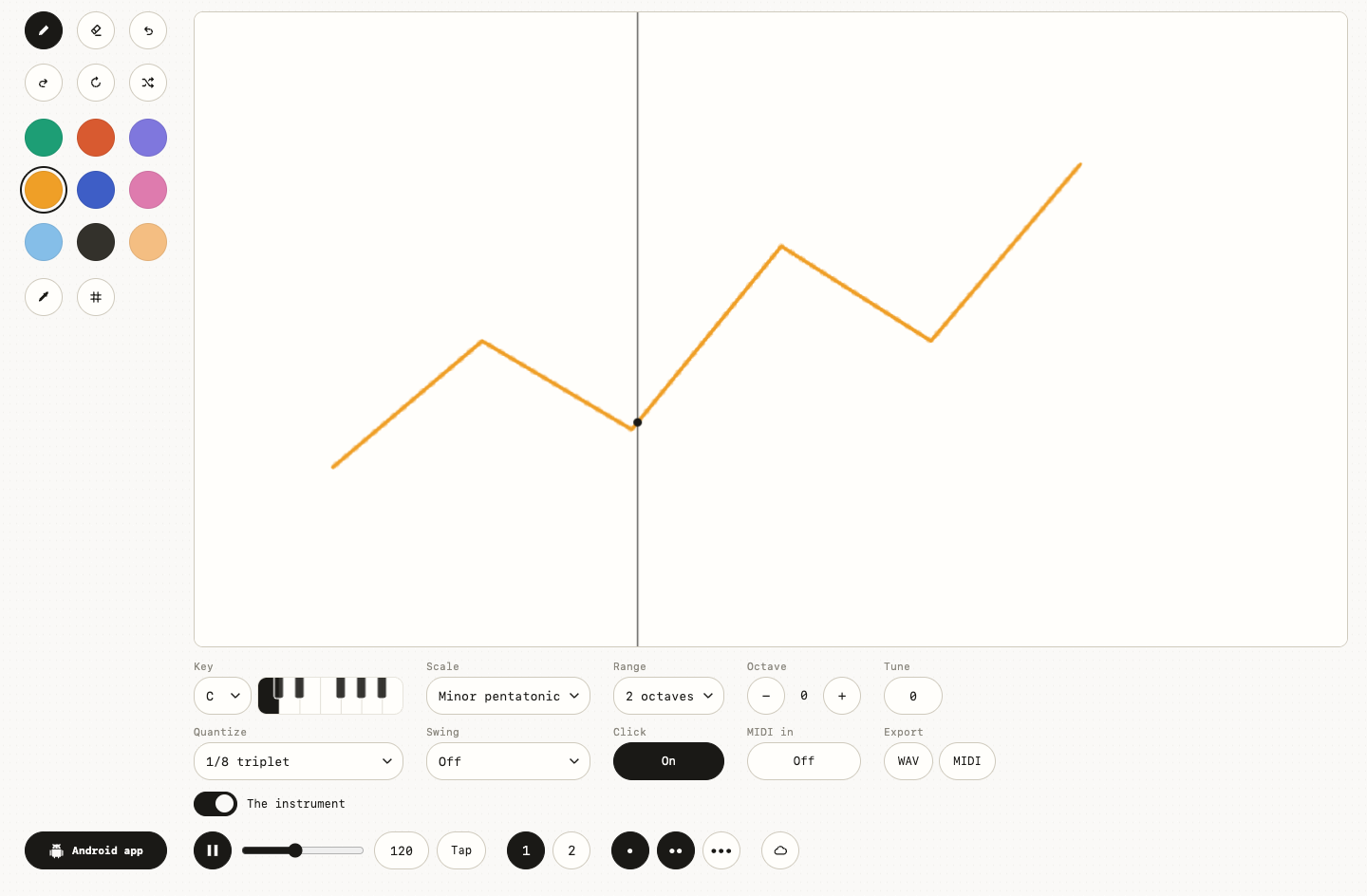
05
Save and share a music drawing without losing the useful part
Learn what Play Music Theory share links, community publishing, WAV, MIDI, and recordings preserve—and which option stays editable.
06
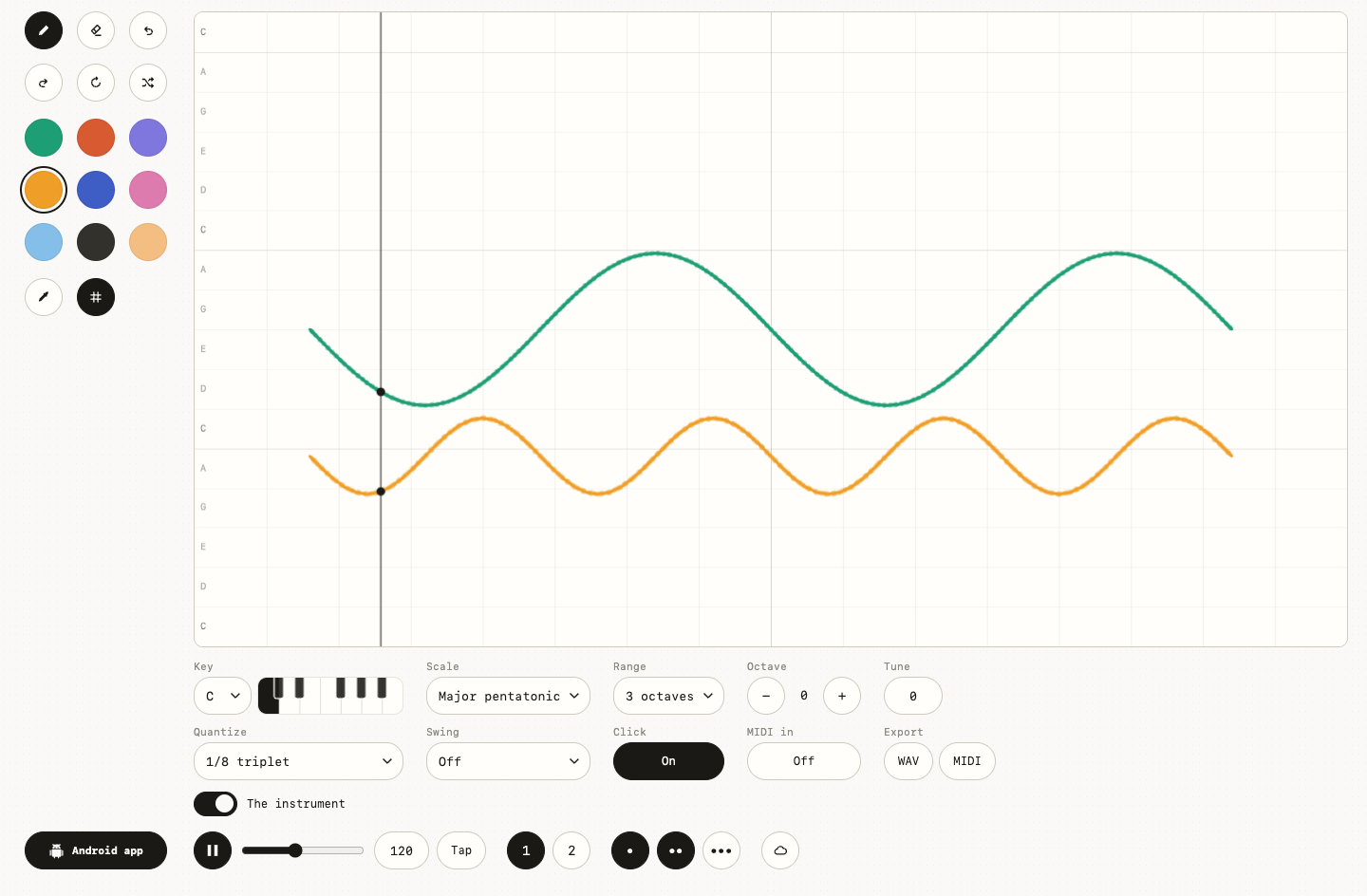
No sound? Fix a silent Play Music Theory loop
Troubleshoot a silent music drawing: add marks, start audio with a tap, check volume and routing, resume playback, and isolate browser issues.
07
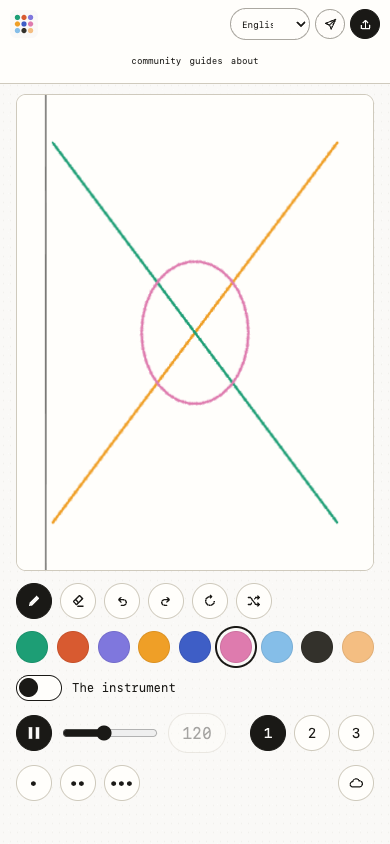
Play Music Theory on a phone: draw, listen, and share
Use the visual music instrument on iPhone or Android: touch drawing, first-tap audio, compact controls, downloads, sharing, and mobile app links.
08
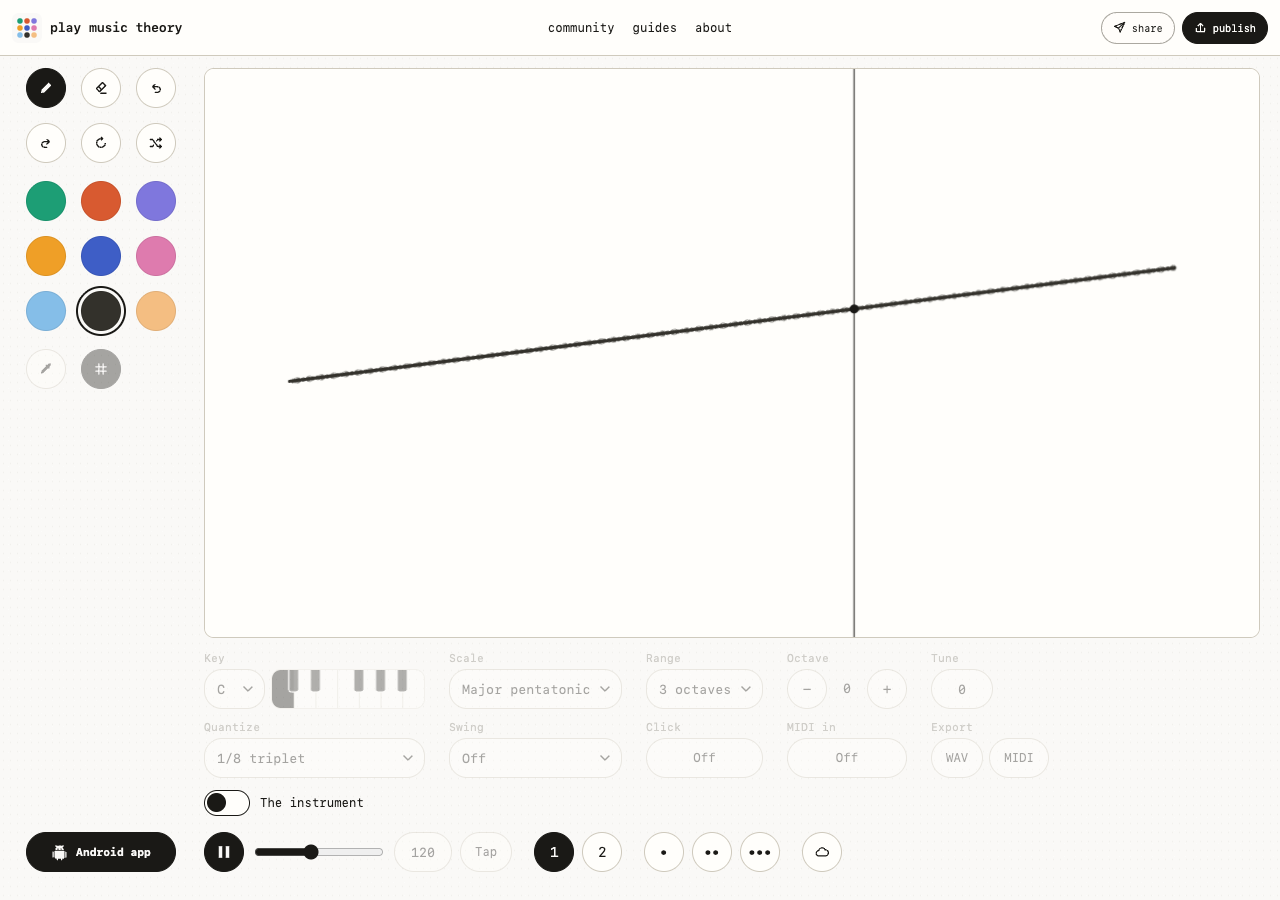
Play Music Theory vs Wiggly Music: draw, listen, choose
Two drawing-to-sound playgrounds, one simple listening test. See how Play Music Theory and Wiggly Music invite you to explore pitch, rhythm, and loops.
Wiggly Music app
Keep making music on Android.
Take the idea with you in Wiggly Music.