
Touch drawing in a mobile browser
Play Music Theory on a phone: draw, listen, and share
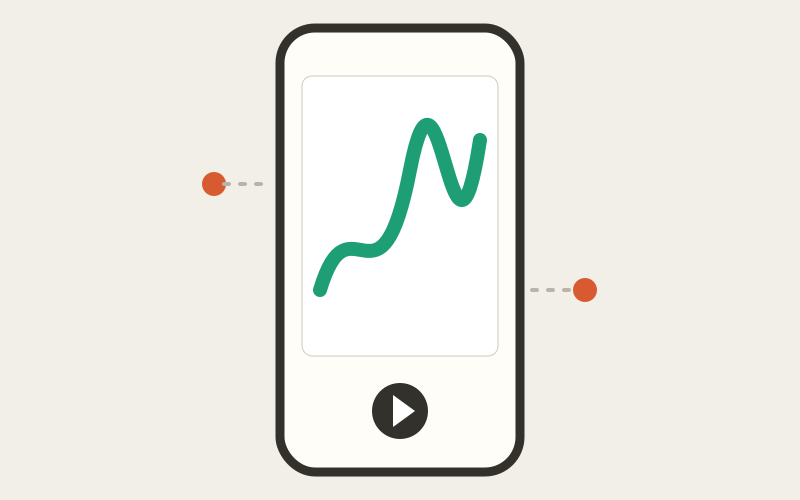
The browser instrument adapts to a phone and accepts touch. The experience is still a web page: downloads, sharing, recording, and background audio depend on the browser and operating system.
Start in portrait, then give the canvas one intentional tap
Open the homepage in a current mobile browser, draw with one finger, and tap Play. The first gesture is important because iOS and Android browsers may not start Web Audio automatically.
Portrait keeps the compact controls within reach. Landscape gives the drawing more horizontal room but may leave less height for the instrument deck. Use whichever view makes the current task easier.
Expect the system to decide where files and shares go
A share link may open the native share sheet, while an exported WAV or MIDI file may download to Files or the browser download manager. If file sharing is unavailable, downloading is the fallback in supported flows.
Keep the tab open until an export finishes. Mobile browsers can pause audio or media work when they move to the background or the screen locks.
Know the difference between this site and the Android app
Play Music Theory is the browser experience on this domain. The Android link in the instrument opens Wiggly Music on Google Play, a related app under a different product name; this site is independently developed and is not the original creator's official app.
For an editable browser piece, share its URL. For an app workflow, follow the store listing and its own release information rather than assuming every web feature is identical.
Ready to hear it?
Open the playground, make one mark, and listen before adding the next.
Open the instrument →